This article walks you through the key features every grooming business needs, how to evaluate vendors fairly, and what actually moves the needle on your bottom line. By the end, you will know exactly what to look for and how to choose a system that scales with your business.
Choosing the right pet grooming software determines how efficiently your business schedules appointments, collects payments, manages staff, and tracks profitability. The right system reduces administrative work, prevents revenue loss, and improves customer experience. Without proper tools, you are stuck managing everything manually, spreadsheets, phone calls, and cash handling, which limits how many clients you can serve and costs you money in missed appointments.
Must-Have Features
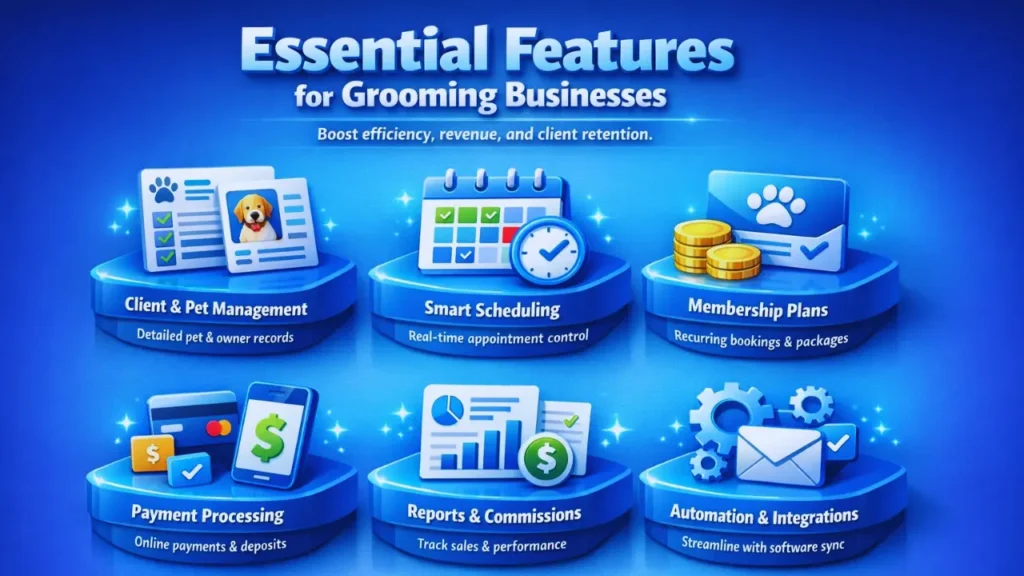
Grooming businesses require specialized functionality beyond simple appointment booking. The following features directly impact efficiency, revenue, and scalability. If a vendor does not offer most of these, move on.
1. Client & Pet Management
Your system needs a centralized database that stores everything about a pet and its owner in one place. This includes client contact information, pet profiles with breed, age, vaccination records, behavior notes, grooming history, allergies, and pet grooming service preferences. Many systems also let you store photos of the pet or grooming results.
Here is why this matters: A returning dog with skin sensitivity automatically displays notes before grooming begins. Your groomer reads “prone to matting, sensitive ears” and adjusts the service immediately. No mistakes, no callbacks. No unhappy customers. This single feature reduces service errors and builds long-term client records, thereby improving retention.
2. Scheduling & Capacity Control
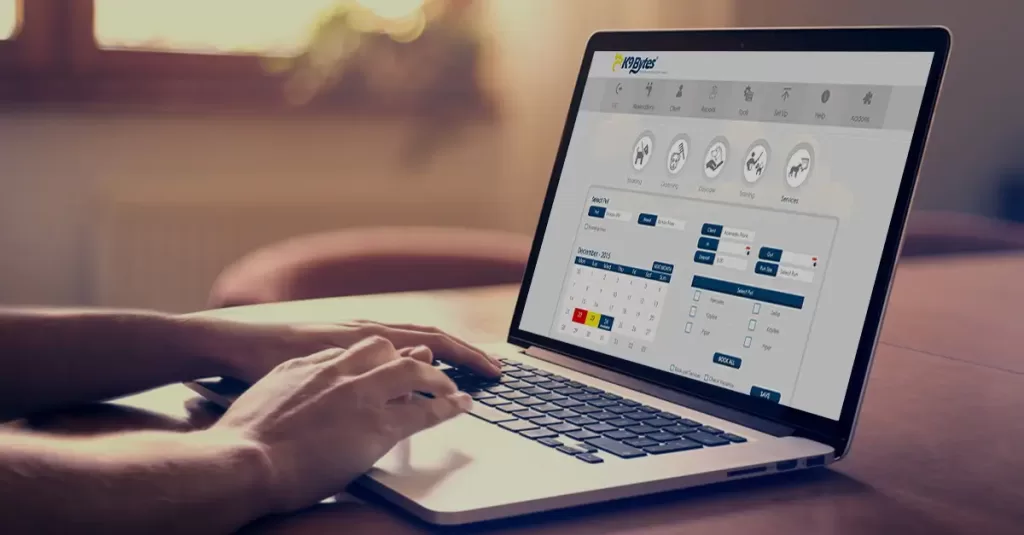
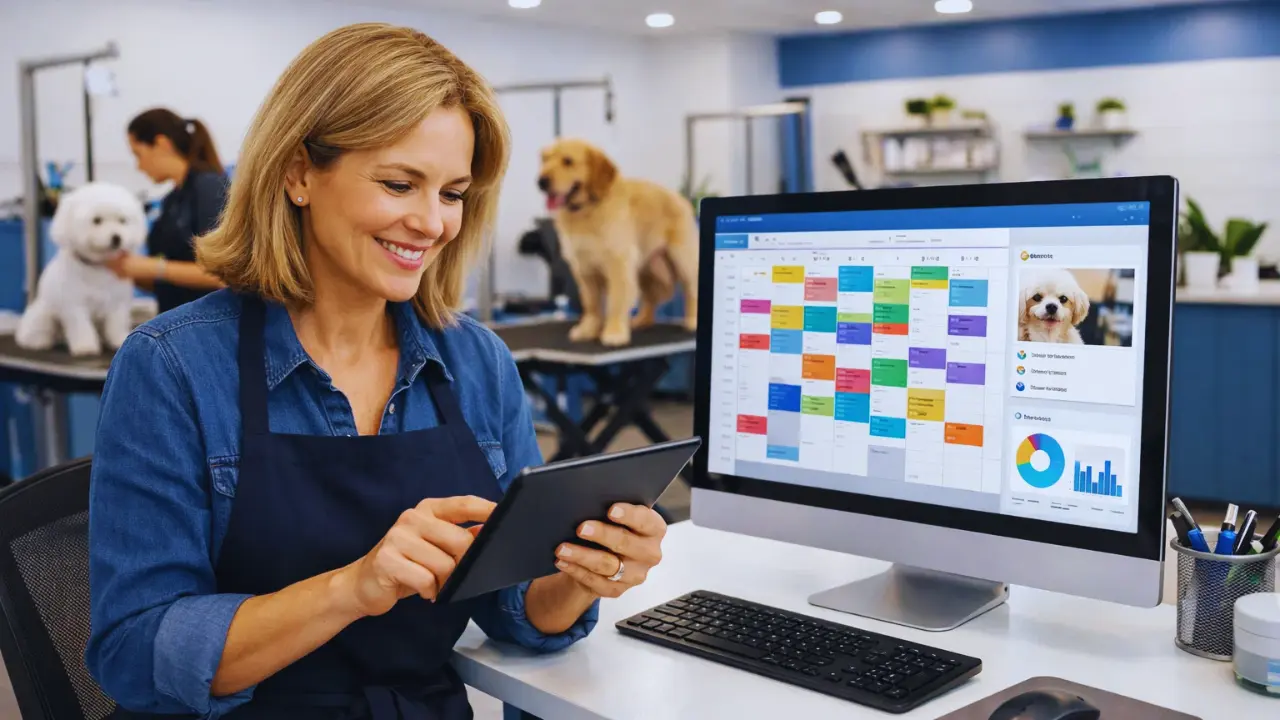
Your calendar needs to work in real-time. Pet Groomers should see available slots instantly, drag-and-drop bookings to adjust schedules, and assign pets to specific groomers based on expertise or workload. The system should enforce buffer time between appointments (so no groomer is double-booked) and respect capacity limits to avoid overcommitting staff.
The operational benefit is clear: it prevents overbooking, balances staff workload, and optimizes daily throughput. A bonus most systems track no-shows automatically, which gives you data on which times have the highest cancellation rates. You can then adjust pricing or require deposits for those slots.
3. Recurring Reservations & Memberships
Many grooming businesses offer subscription plans: “$60 per month for a grooming every 4 weeks” or “prepaid packages, 10 grooming sessions for $500.” Your software needs to handle recurring appointment slots and automated billing without manual intervention.
Why? Predictable revenue. Higher retention. Better client loyalty. A client on a recurring plan is less likely to shop around. You know exactly when they are coming back, so you can staff accordingly. And the software handles the billing automatically, no chasing invoices.
4. Payment Processing & Deposits
Your system should accept online payments, collect deposits upfront, track cancellation fees, manage refunds, and allocate tips to staff. All transactions must be PCI-compliant (meaning customer credit card data is encrypted and secure).
The financial impact: improves cash flow, reduces unpaid appointments, and simplifies month-end accounting reconciliation. Instead of chasing clients for payment after service, they pay when they book. That is a massive operational shift.
5. Reporting, Tips & Commissions
You need visibility into revenue by service type, groomer performance, commission tracking, tip allocation, and daily/monthly summaries. This is not just for accounting; it is for running your Grooming business strategically.
Good reporting answers key questions: Which services are most profitable? Which groomer books the most appointments? Are commissions being calculated correctly? This data-driven approach clarifies profit margins, aligns payroll, and guides staffing decisions.
6. Integrations & Automation
Your grooming software should integrate with email and SMS reminders (to help clients remember appointments), accounting software (to sync transactions automatically), payment gateways, calendar sync, and marketing tools. Automation reduces manual admin, improves communication consistency, and prevents errors from manual data entry.
How to Evaluate Vendors
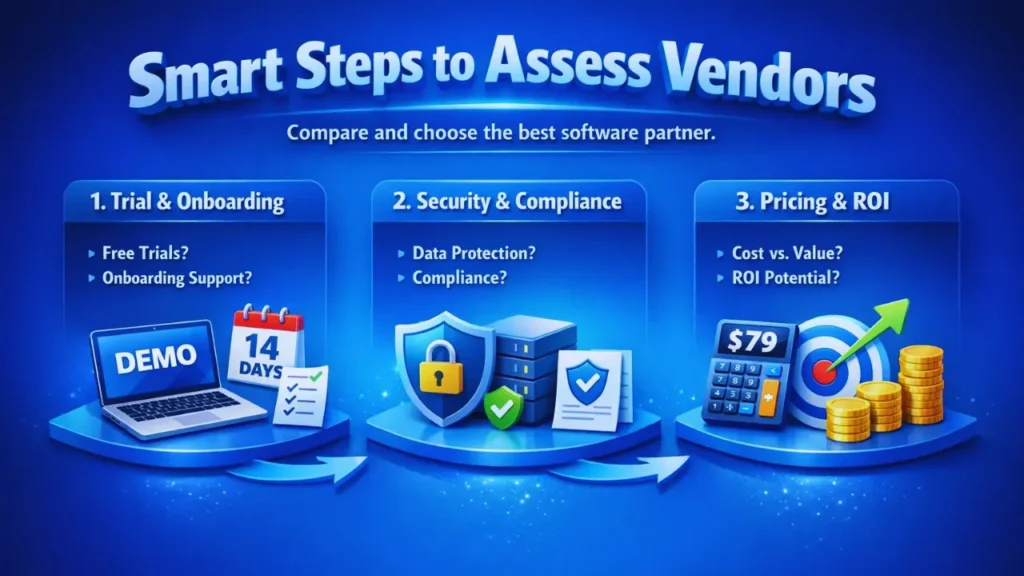
Choosing software is not only about features. It is about reliability, support, and long-term scalability. Use this structured approach to compare options fairly.
1. Trial & Onboarding
Ask vendors: How long is the free trial? Can I get a live demo first? What onboarding support do you provide? Will you migrate my existing client data? Are training resources included?
Easy onboarding reduces transition friction. If a vendor makes you wait weeks to get started or charges for data migration, that is a warning sign. You want a partner who removes barriers to getting live quickly.
2. Security & Compliance
Verify: Is the system PCI compliant? Are all data encrypted? What backup systems exist? What is the uptime guarantee (typically 99.9%)?
Client data protection builds trust. A single data breach can damage your reputation and expose you to liability. Non-negotiable: the vendor must take security seriously and provide written compliance documentation.
3. Pricing & ROI
Most grooming software runs $50–$150 per month, depending on features and team size. Some charge per-groomer, others per-location. Calculate the total cost of ownership over a year, including setup, training, and support.
Here’s a simple ROI example: If software costs $79 per month ($948 annually) and prevents two missed $65 appointments per month, it pays for itself. Throw in the time saved (5–10 hours weekly on scheduling and admin), and the ROI is obvious. Keep the math simple and believable.
Example Feature Matrix
Use this table to compare vendors side-by-side:
| Feature | Core Plan | Pro Plan | Enterprise |
| Online Booking | ✓ | ✓ | ✓ |
| Client Profiles | ✓ | ✓ | ✓ |
| Automated Reminders | ✓ | ✓ | ✓ |
| Reporting & Analytics | Limited | ✓ | ✓ |
| Multi-Location Support | — | ✓ | ✓ |
| Commission Tracking | — | ✓ | ✓ |
| API Access | — | — | ✓ |
Keep it clean and scannable. You should be able to glance at each plan and know what it offers.
Real Business Impact
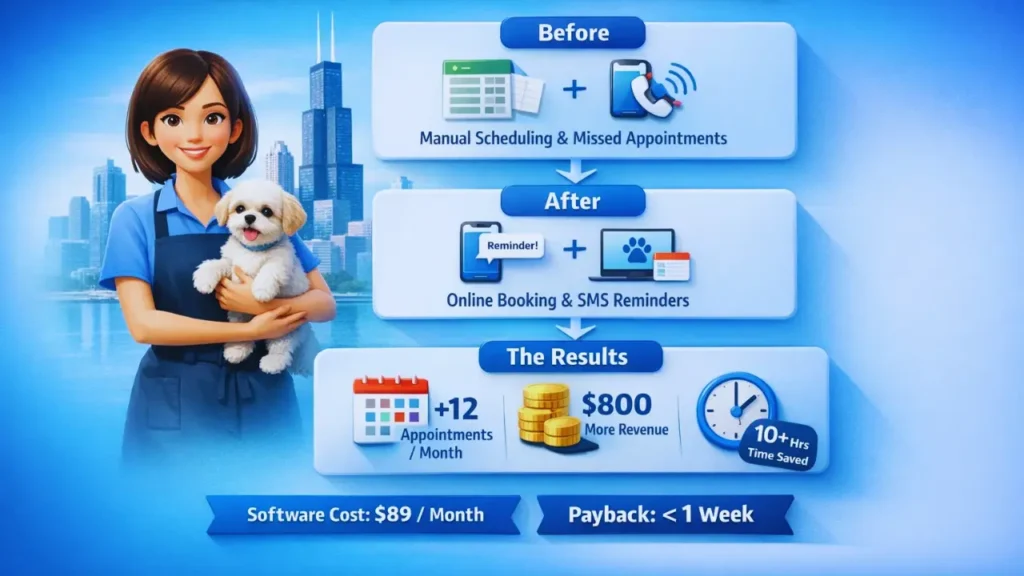
Sarah owns a 3-groomer salon in Chicago. She was using spreadsheets and phone calls to manage bookings. Clients called to reschedule, she’d manually update the sheet, and sometimes groomers would see outdated info. She lost about 2–3 appointments per week to no-shows because reminders weren’t automatic.
She switched to grooming software. Online booking eliminated phone tag. Automated SMS reminders cut no-shows by 30%. Her groomers could instantly see client notes, improving service quality. Within three months, she added four extra grooming slots per week just from better scheduling efficiency. That’s 12+ more appointments per month, roughly $800 in additional revenue on top of reduced admin time (10+ hours per week saved).
Software cost: $89 per month. Payback period: less than one week.
Conclusion
Pet grooming software is operational infrastructure, not optional convenience. It is the difference between running a business that scales and running one that stays stuck managing chaos.
The right system gives you efficiency, revenue protection, and the ability to grow without burning out. Your staff has clear schedules. Your clients get reminders, and your money flows in predictably. You know your numbers.
Most vendors let you test the system for free for a month. Use that time to move a few client bookings through the system, integrate your payment processor, and see how much time you actually save. The answer will surprise you.
Frequently Asked Questions
Q. Can small grooming salons benefit from software?
A. Absolutely. Small salons waste the most time on manual scheduling and admin work. Software saves you hours every week, time you can spend growing the business.
Q. Does grooming software really reduce no-shows?
A. Yes. Automated SMS and email reminders cut no-shows by 20–40% on average. Require deposits up front, and you will reduce cancellations further.
Q. Can it manage multiple groomers?
A. Yes. You assign groomers to appointments, track their schedules individually, and monitor workload balance in real time.
Q. Does it work on mobile devices?
A. Yes. Groomers can view schedules, access pet notes, and update status from their phone. Clients can book and reschedule from their mobiles too.
Q. How secure is client data?
A. Reputable vendors are PCI compliant, use encryption, maintain regular backups, and provide 99.9% uptime guarantees. Always verify compliance documentation before signing.